Sign up and log in
Create your company's account, then log in with your email, Google or WhatsApp. There are no passwords.
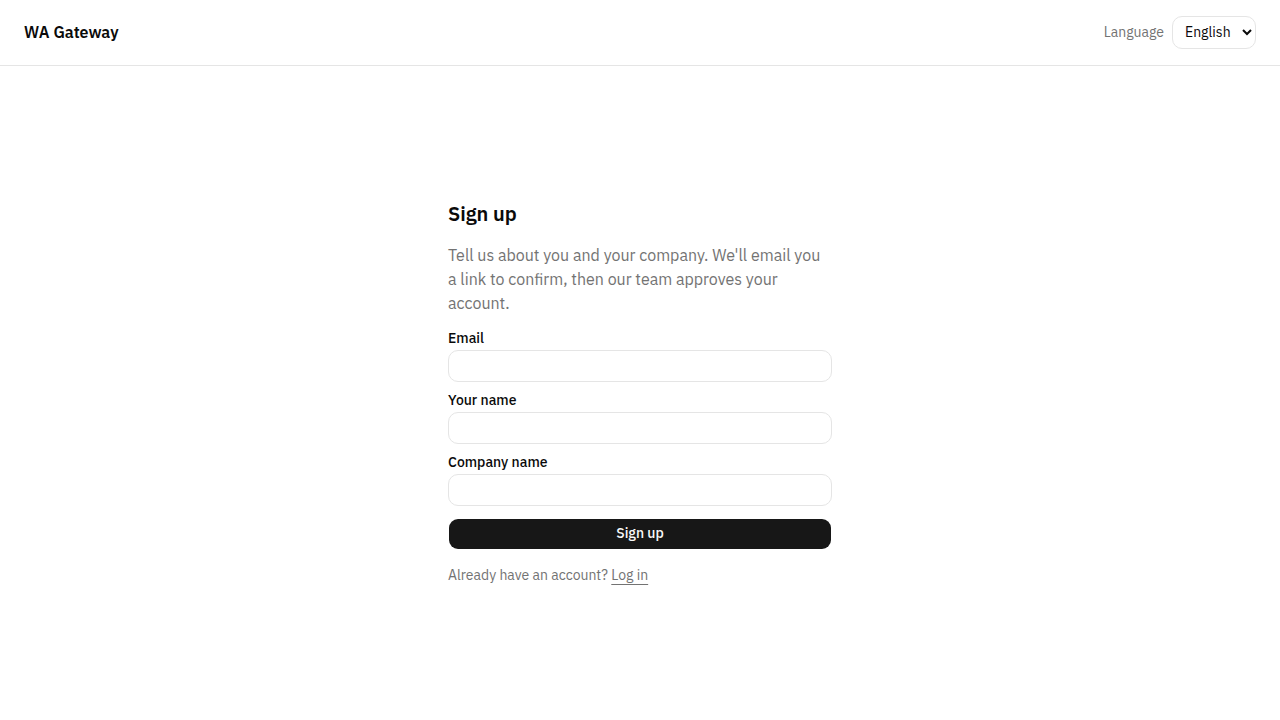
Sign up
- Open the Dashboard and choose Sign up (under "New here?").
- Enter your Email, Your name and Company name, then choose Sign up.
- Open the link we email you. Nothing is created until you open it.
- Your account now waits for our team's approval. You see "Thanks for signing up! Your account is waiting for approval." We email you as soon as it is approved.
Already invited?
If someone from your company invited you, don't sign up. Open the invitation email and choose Accept invitation. You join their Tenant directly.
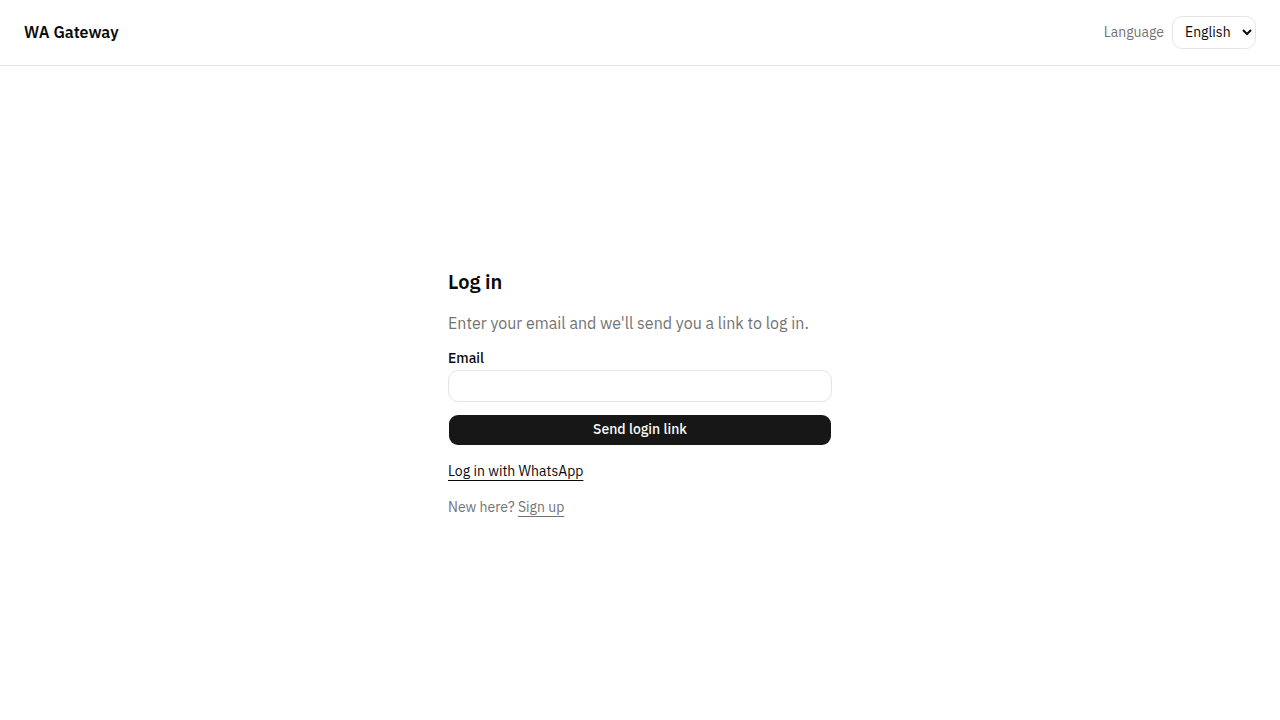
Log in
There are no passwords. Choose one of these:
- Email link. Enter your email and choose Send login link. Open the link from your email within 15 minutes.
- Google. Choose Continue with Google and pick the Google account with the same email. If you are new, you then enter your company name, and your account waits for approval like any sign-up.
- WhatsApp. First add your WhatsApp number on your Profile. Then choose Log in with WhatsApp, enter the number with its country code and choose Send code. Enter the code you receive on WhatsApp, or open the link in the same message and choose Continue. A code works for 10 minutes, and a number can receive at most 3 codes per 15 minutes.
Language
Choose العربية or English at the top of any page. After you log in, your choice is saved to your account, and our emails use it too.
More than one Tenant
If you work for several companies, you can belong to several Tenants. Choose the one to work in from the switcher at the top of the page. Everything you see then belongs to that Tenant.