Profile
Your name, your email, and the WhatsApp number you can log in with.
Choose Profile in the menu to see your name and email. Your email is who you are: invitations and login links go to it.
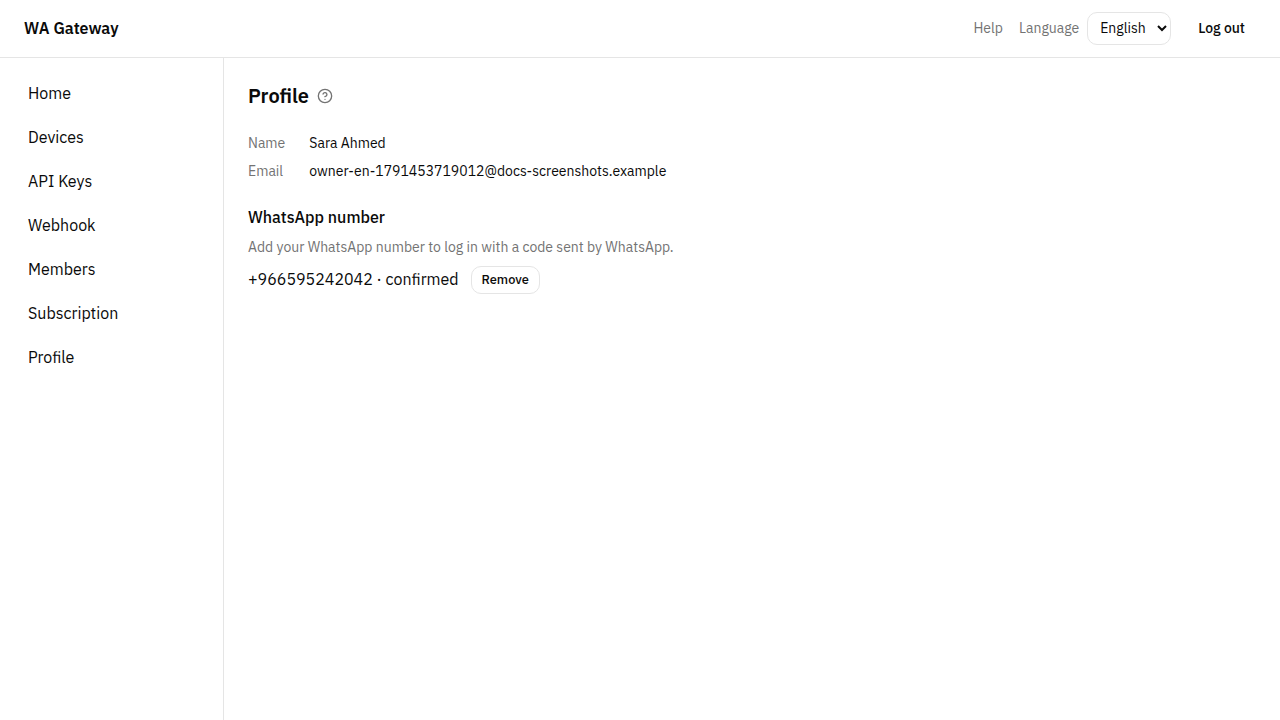
Add your WhatsApp number
Add your number to log in with a code sent by WhatsApp instead of an email link.
- Under WhatsApp number, enter your number with its country code, digits only, for example
9665XXXXXXXX. - Choose Send code. We send a code to that number by WhatsApp. It works for 10 minutes.
- Enter the Code and choose Confirm.
The number now shows as confirmed. From then on you can choose Log in with WhatsApp on the login page. A number can belong to only one person.
To stop using it, choose Remove.